

Installing Xpress Insight on Windows
FICO Xpress Insight is installed into two locations by default.
The installer will automatically uninstall any earlier version of
Xpress Insight on your system and retain your data and configuration.
- The executable software is installed in
C:\Program Files\FICO\XpressInsight. - The supporting data files and settings for the program are installed in
C:\ProgramData\FICO\XpressInsight—The windows operating system hides this folder by default.
Also, these folders may be controlled by your IT department that may specify a different folder for program data.

|
Note: Files are saved to the local working directory when using compute (savefile). The savefile in the compute setup is approximately the same size as the amount of memory used by the
XPRSprob at the point of starting the compute server solve.
|
To install Xpress Insight on Windows, perform the following steps:
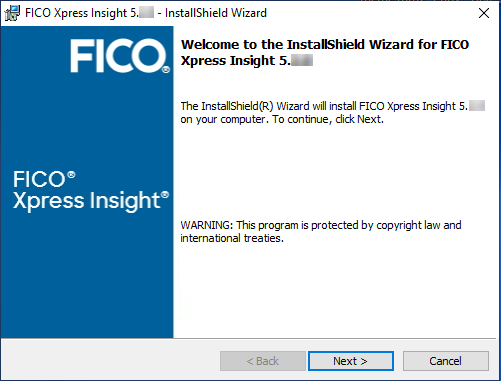
- Download the FICO® Xpress Insight installer from the link provided by FICO and double-click the file to run it. After all the files have been extracted, click Next.
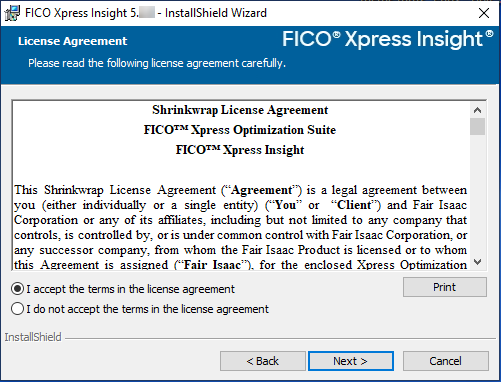
- You must agree to the License Agreement to continue. Agree and click Next.
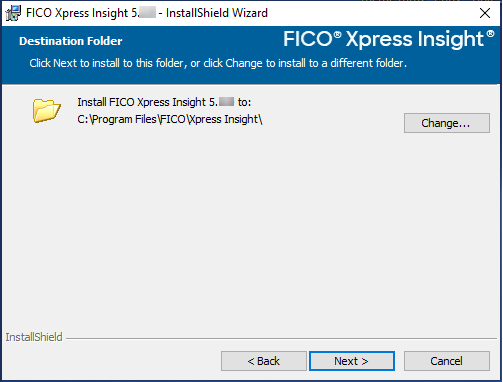
- Select the location in which the software will be installed. Click Change to select a location other than the default. Click Next when complete.
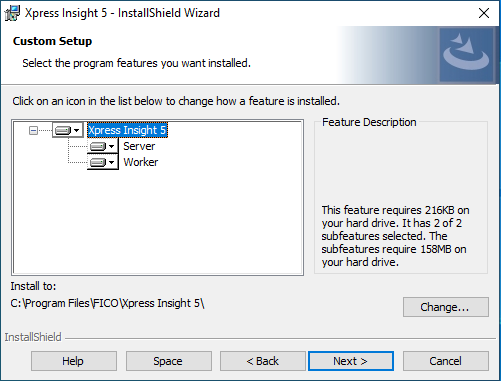
- Select the features you wish to install. By default, the software will install a Server and a Worker. The server enables users to interact with the platform via a browser-based web interface on their local machine. Workers may be installed to run on the same local machine, or there could be several installed on separate machines. Click Change to select an option other than the default. Click Next when complete.
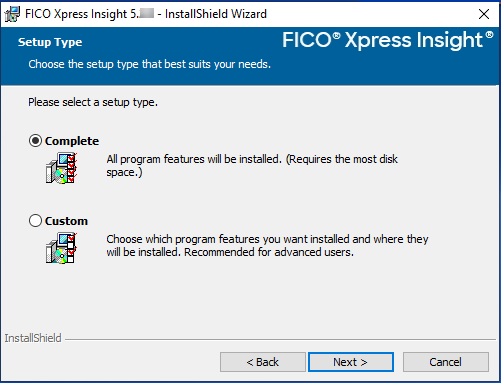
- Select the type of installation.
- Select Complete to install the Xpress Insight Server and Worker in the same location. Click Next to continue the installation.
- Select Custom to open the Custom Setup window, where you can install the Worker and Server individually and select the installation location. Click Next to continue the installation.
- Click Install to begin installing the software. Click Back to make any changes to the configuration.
Note: Xpress Insight requires Java 11.0.2. If the installer detects this is NOT set as the default version, it will pause and prompt you to select the appropriate Java installation location. Select to the
binfolder to continue.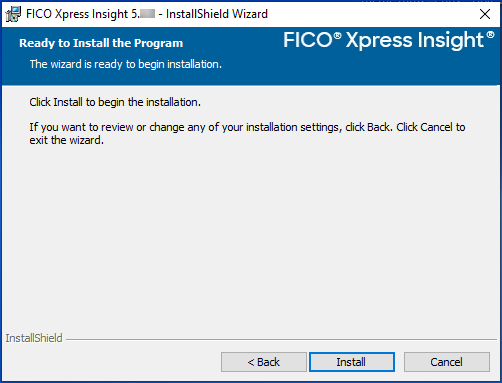
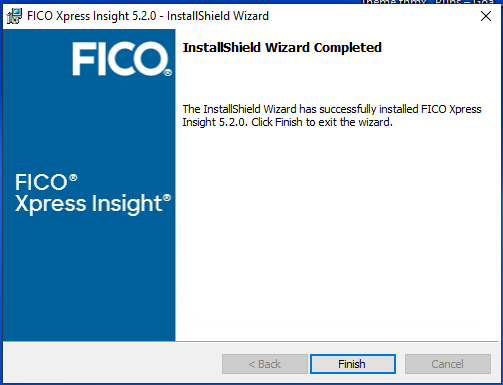
- When the InstallShield Wizard Completed screen is displayed, click Finish.
© 2001-2022 Fair Isaac Corporation. All rights reserved. This documentation is the property of Fair Isaac Corporation ("FICO"). Receipt or possession of this documentation does not convey rights to disclose, reproduce, make derivative works, use, or allow others to use it except solely for internal evaluation purposes to determine whether to purchase a license to the software described in this documentation, or as otherwise set forth in a written software license agreement between you and FICO (or a FICO affiliate). Use of this documentation and the software described in it must conform strictly to the foregoing permitted uses, and no other use is permitted.