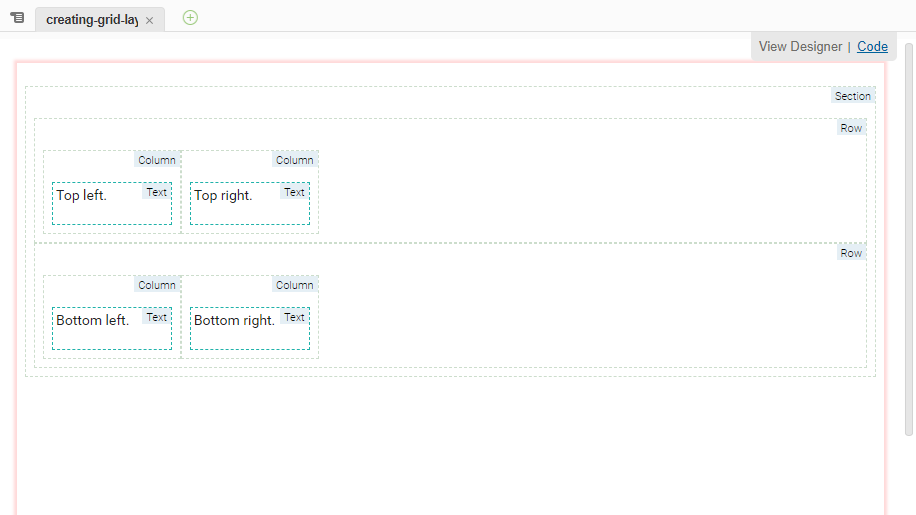
When published, this file renders as:
Rendered Grid Layout
Implicit vdl-column elements and vdl-row elements
All sections use a grid layout internally.
Content not contained within a Column (vdl-column) element is wrapped in a single implicitly-sized Column (vdl-column element).
Any Columns (vdl-column elements) that are not contained within a Row (vdl-row element) are wrapped in single Row (vdl-row elements).
The following example has content both within and outside of rows and columns.
<vdl version="5,1">
  <vdl-section>This content is inside a section.
    <vdl-row>This content is inside a row.
      <vdl-column size="3">This content is inside a row and a column.</vdl-column>
    </vdl-row>
    <vdl-column size="2">This content is inside a column.</vdl-column>
    More content within a section>
  <vdl-section>
</vdl-page>
To conform to the grid layout, implicit
vdl-column and
vdl-row elements are added to the VDL code prior to rendering the HTML:
<vdl version="5,1">
  <vdl-section>
    <vdl-row>This content is inside a section.</vdl-row>
    <vdl-row>
      <vdl-column>This content is inside a row.</vdl-column>
      <vdl-column size="3">This content is inside a row and a column.</vdl-column>
    </vdl-row>
    <vdl-column size="2">This content is inside a column.</vdl-column>
    <vdl-column>More content within a section.</vdl-column>
  <vdl-section>
</vdl-page>