

Creating a New View
- Click Open Project.
- Do either of the following:
- Click File > New > Insight View (VDL).
- Click the
 New View button on the tab bar.
 - In the Xpress Insight tab, click Views > VDL View.
- Proceed through each page of the New View wizard:
- Click Finish. The new view is displayed on the artboard.
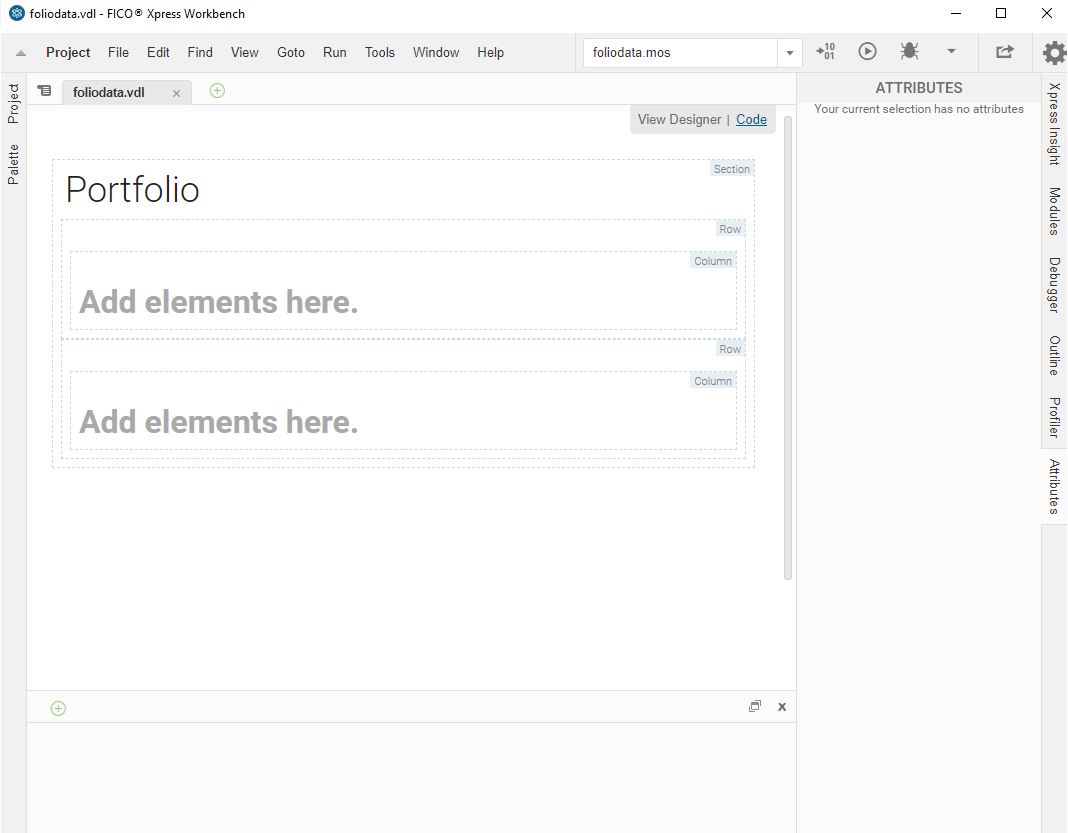
- (Optional) You can switch to the code editor view by clicking the link at the top right of the artboard.
© 2001-2026 Fair Isaac Corporation. All rights reserved. This documentation is the property of Fair Isaac Corporation (“FICO”). Receipt or possession of this documentation does not convey rights to disclose, reproduce, make derivative works, use, or allow others to use it except solely for internal evaluation purposes to determine whether to purchase a license to the software described in this documentation, or as otherwise set forth in a written software license agreement between you and FICO (or a FICO affiliate). Use of this documentation and the software described in it must conform strictly to the foregoing permitted uses, and no other use is permitted.